
Use AI-powered translation to quickly convert your captions into multiple languages. This feature helps you provide valuable support to a wider audience who may not understand the original language of your videos.
You must have already generated captions in order to translate them. Click to Generate Captions
Translating your Captions with AI
In this example, we will be translating our English Captions to French
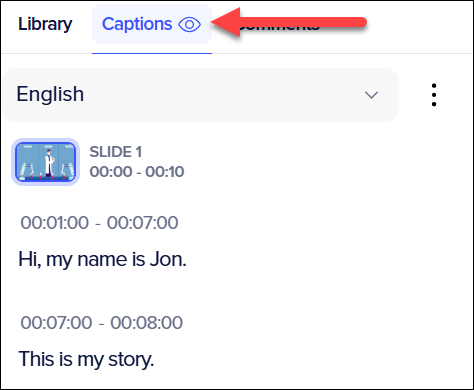
- In the Powtoon Studio click on the Captions tab on the right side of the studio.
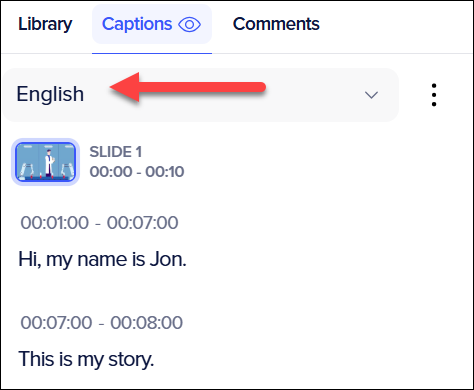
- Click on the Language box.
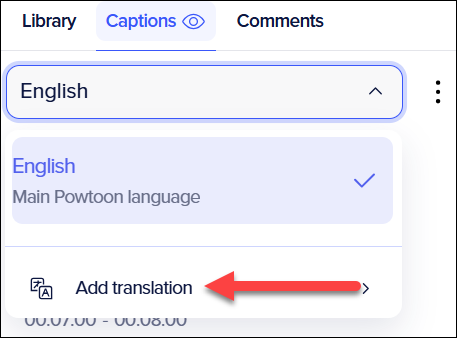
- Mouse Over Add Translation. A new window will appears.
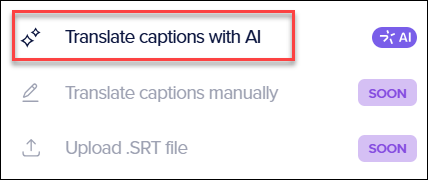
- Click Translate Captions with AI.
- Select the language you want to translate into. In our example, we will translate our Captions into French.
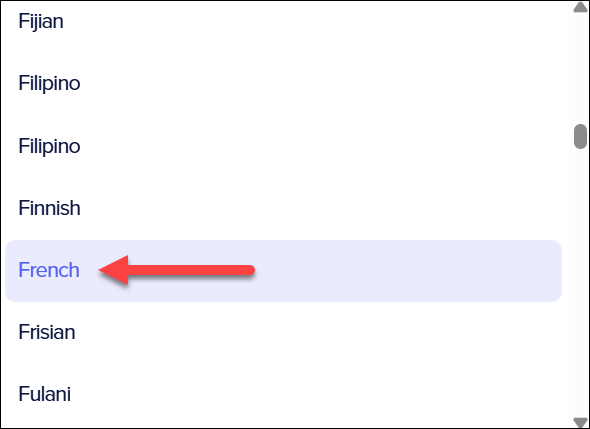
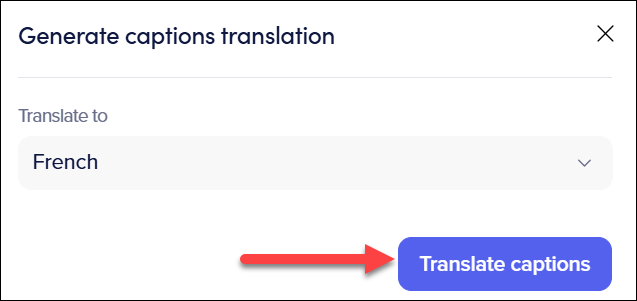
- After selecting the language, click Translate Captions.
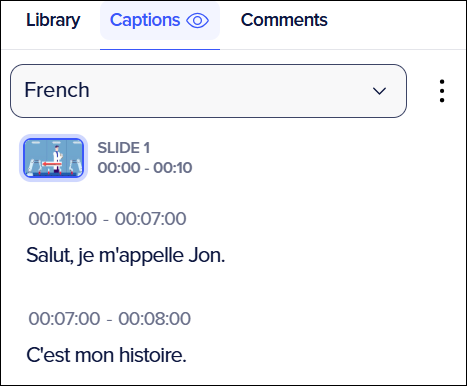
- Once the Captions are translated, you will see them back in the captions tab.
Supported Languages
Tables can't be imported directly. Please insert an image of your table which can be found here.